 Coffee
Everything you watch and listen to, on your Wii U.
CoffeeFlix brings YouTube, Jellyfin, Twitch, internet radio, podcasts and your own videos, music, photos and books together in one fast app made for the TV and the GamePad. No accounts, no ads, nothing to set up.
What would you love to see next?
Customization, new services, better controls — explore the community wishlist and give your favorite ideas a thumbs-up on GitHub.
One app for your couch
Built for the Wii U from the ground up: hardware video decoding, smooth animations, and controls that work the same on the GamePad, Pro Controller, Wii Remote and the touch screen.
YouTube, without an account
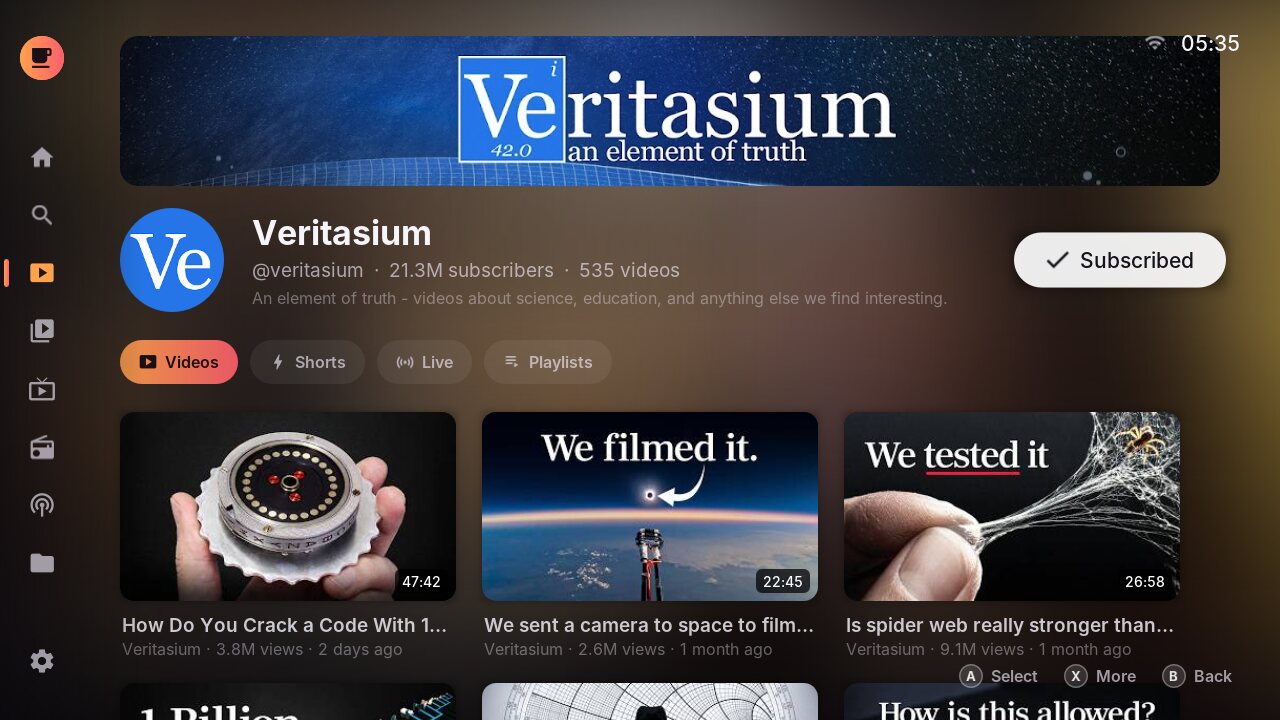
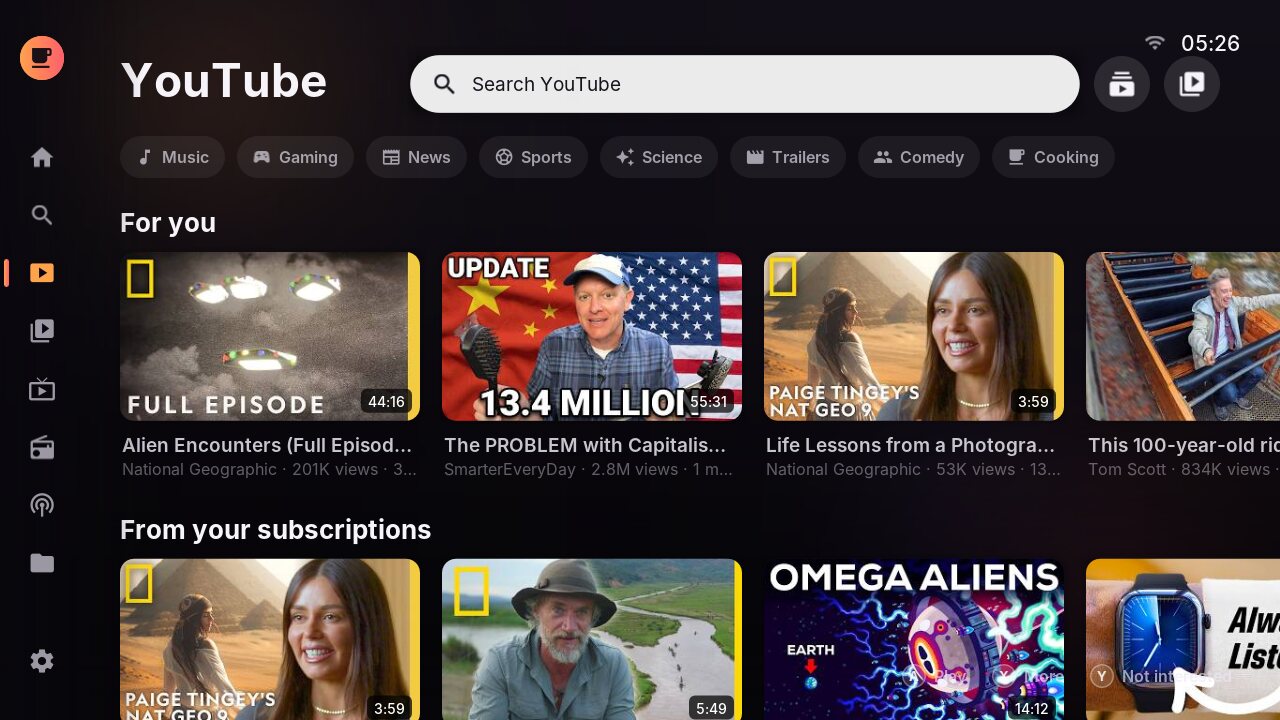
A For you feed that learns what you like on the console itself. Nothing is sent anywhere.
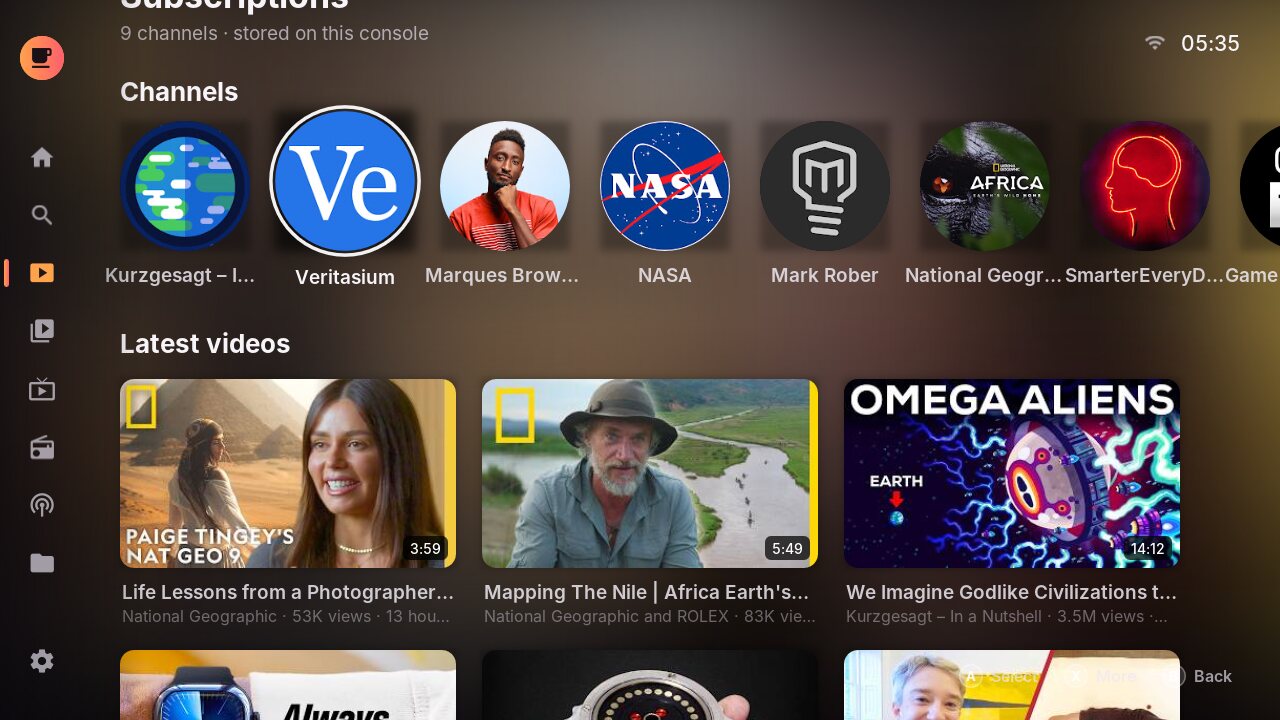
- Subscriptions with a newest-first feed, imported from Google Takeout or NewPipe
- Channel pages with videos, Shorts, live streams and playlists
- Watch later, history, saved playlists and captions
- Skips sponsor segments with SponsorBlock
Jellyfin
Your own movie and TV server, with continue watching, next up, seasons, subtitles and resume that syncs back. Sign in with Quick Connect.
Twitch
Live channels, categories, search and a follow list, at the quality you choose (60 fps optional).
Radio
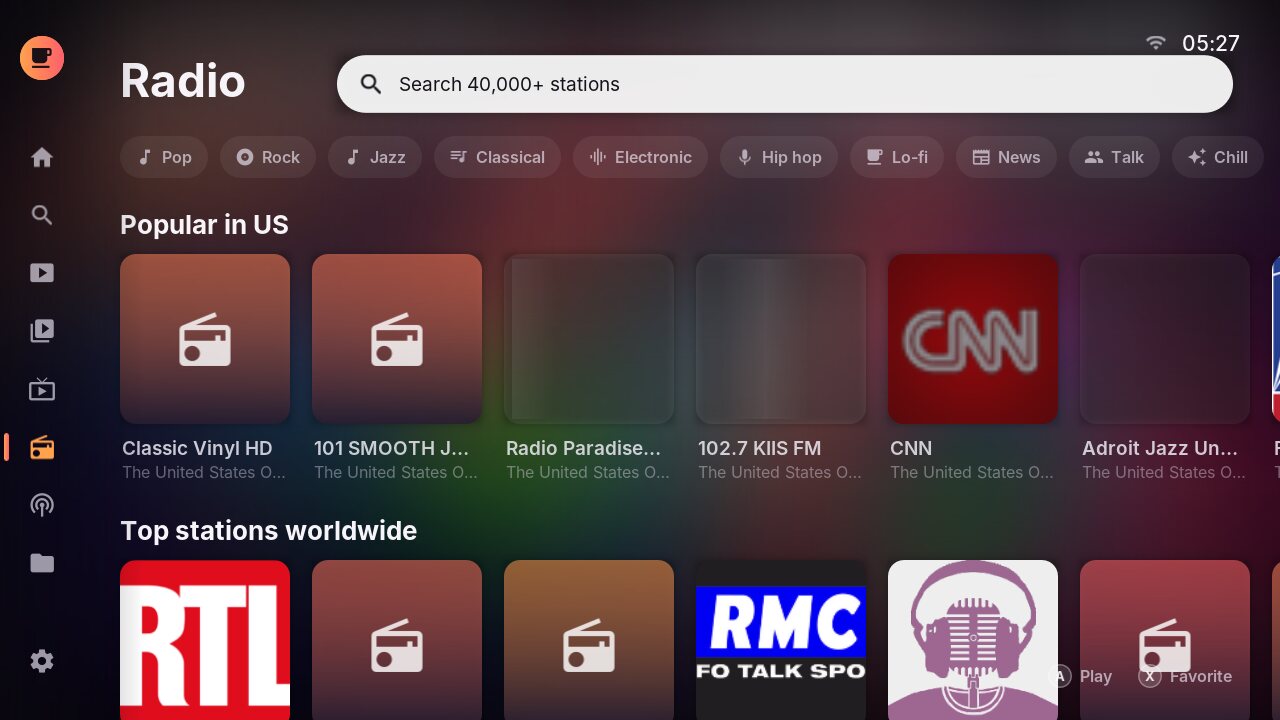
Over 40,000 stations from radio-browser.info, by country and genre, with favorites and live "now playing" titles.
Podcasts
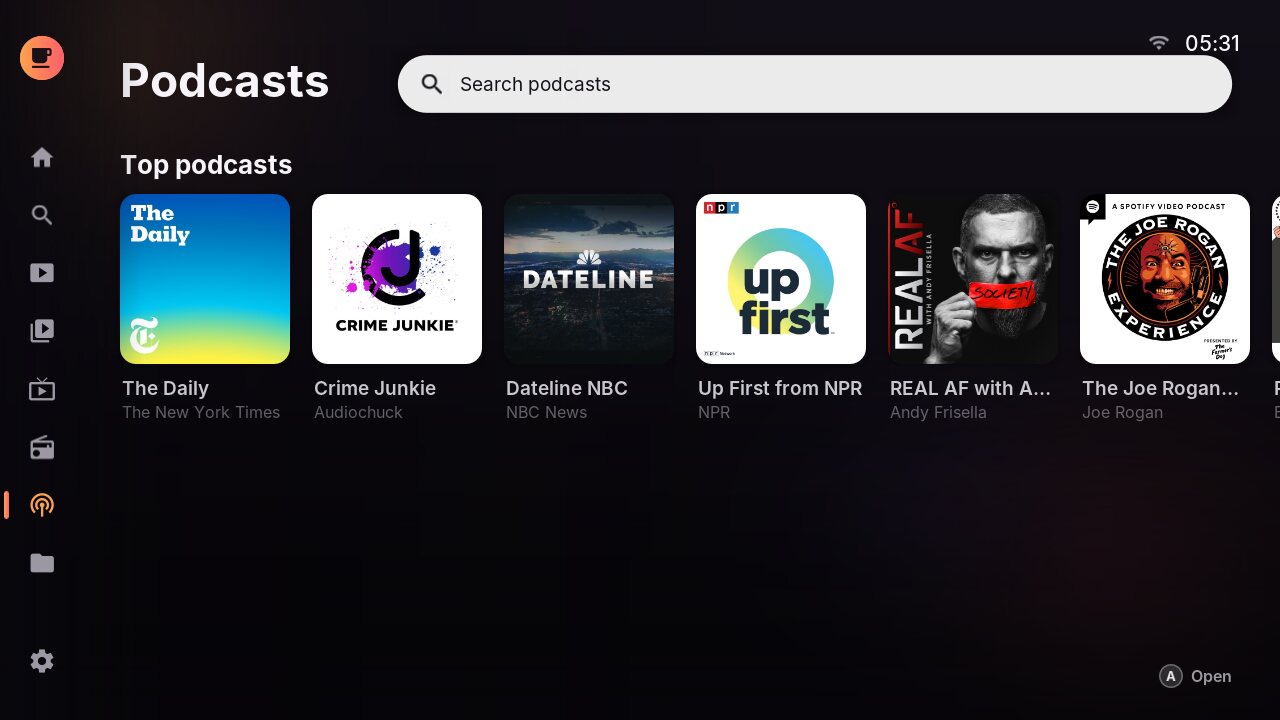
Search the Apple Podcasts directory and top charts, subscribe to shows, and pick up episodes where you left off.
Your own media
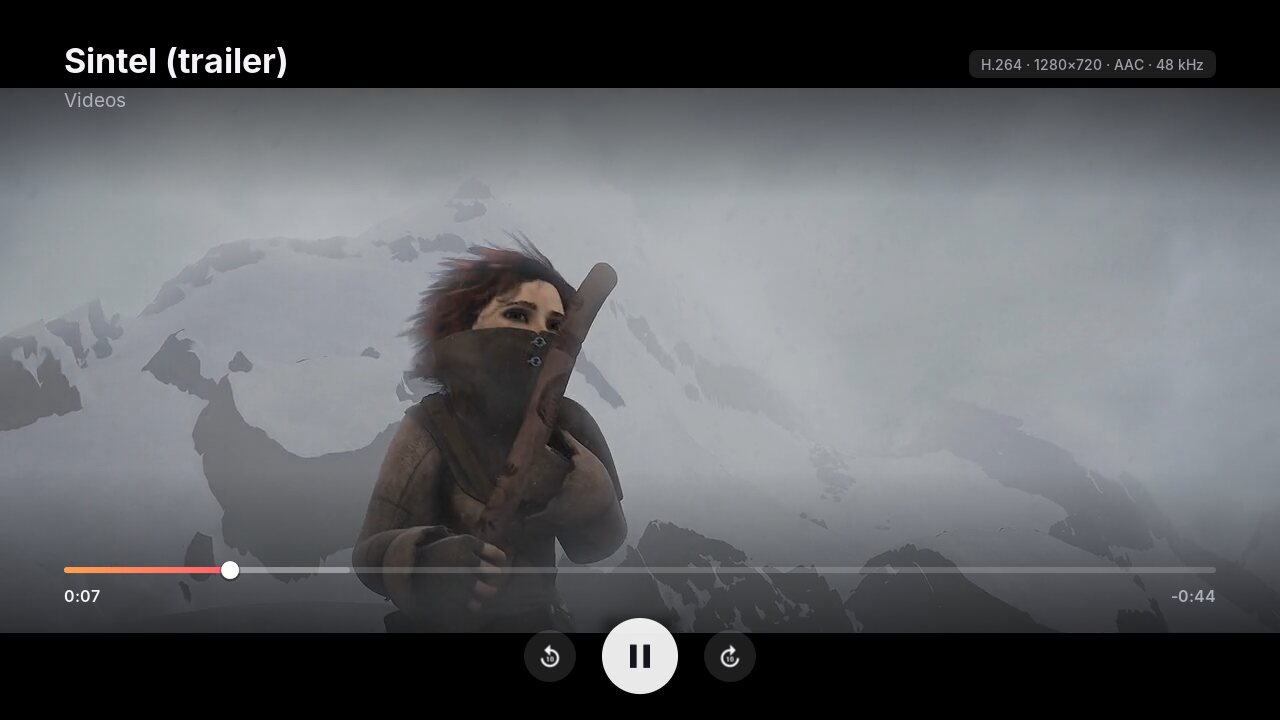
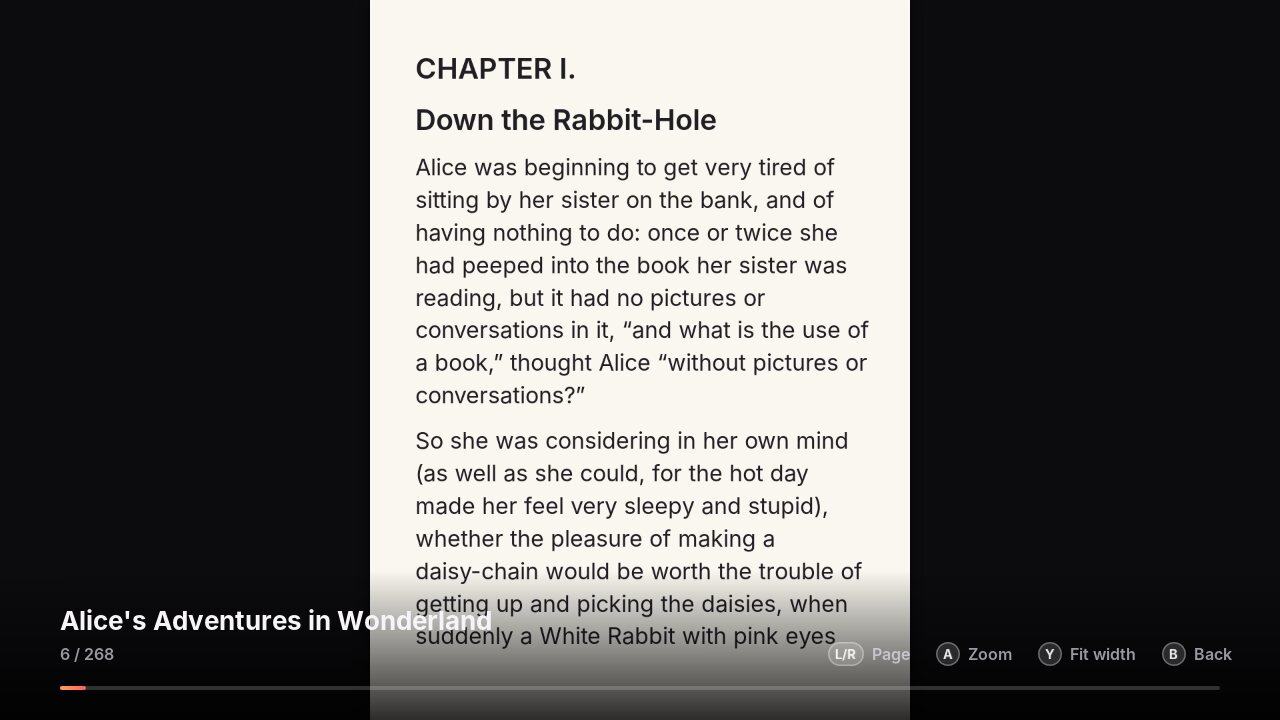
Videos with thumbnails and subtitles, music with cover art, photos and slideshows, and comics (CBZ) and EPUB books, from the SD card.
Network & media servers
Play straight from a PC, Mac or NAS share (SMB), and from Plex, Jellyfin, Emby and other DLNA servers found automatically.
Search everything
One search across YouTube, Jellyfin, Twitch, radio and podcasts, and a Home screen that pulls it all together.
Take a look
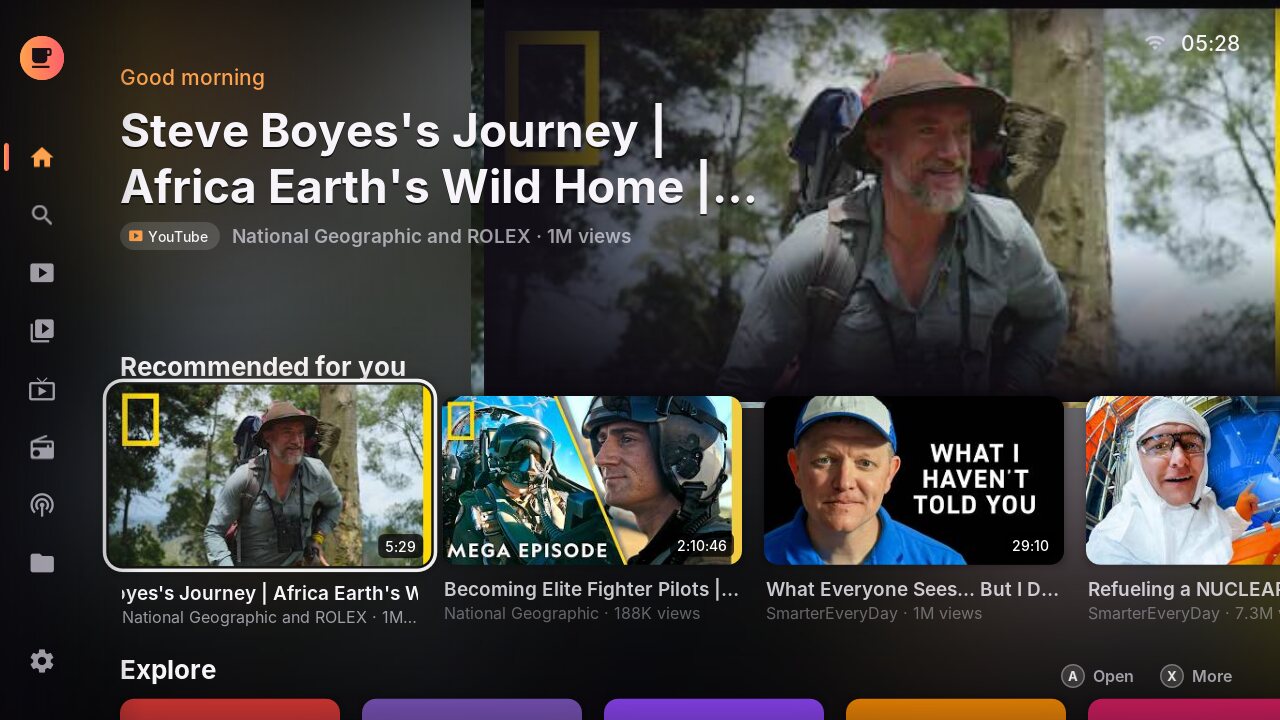
Real screenshots of CoffeeFlix, the same on the TV as on the GamePad.
Install
You need a Wii U with the Aroma homebrew environment. If you haven't set it up yet, the guide takes you through it step by step.
Download
Get coffeeflix.zip, the latest release.
Copy to your SD card
Extract the zip to the root of your Wii U's SD card. It creates wiiu/apps/coffeeflix.
Launch
Put the SD card back and start CoffeeFlix from the Wii U Menu.
Just the app file? coffeeflix.wuhb goes in sd:/wiiu/apps/coffeeflix/. Older versions and release notes are on the releases page.
Homebrew App Store: coming soon.
Like CoffeeFlix? Buy me a coffee.
CoffeeFlix is free, with no ads and no accounts, and I build it in my spare time. If it has become part of your Wii U setup, a coffee on Ko-fi keeps the updates coming. Thank you!
Ideas and bug reports help just as much: open an issue on GitHub.
Questions
Do I need a YouTube, Google or Twitch account?
No. YouTube, Twitch, radio and podcasts work without signing in. Subscriptions, follows, favorites and what the For you feed learns are saved on your SD card and never leave your console. You can bring your YouTube subscriptions over from Google Takeout or NewPipe in Settings.
Is it free?
Yes. CoffeeFlix is free for personal and other noncommercial use under the PolyForm Noncommercial License. Please don't sell it or bundle it into paid products. If you'd like to support it, you can buy me a coffee on Ko-fi.
What can it play?
The Wii U decodes H.264 video in hardware, so YouTube, Twitch and most H.264 files play smoothly, with the quality set from the player (360p to 1080p). HEVC, VP9 and MPEG files play in software, best at 480p. Audio: MP3, AAC, FLAC, Vorbis, Opus, ALAC, WAV and more. Subtitles: SRT, ASS, WebVTT and embedded tracks.
How do I watch my own movies?
Put them on the SD card in wiiu/apps/coffeeflix/Videos, or play them from a PC or NAS on your network (My Media → Network shares), a DLNA server, or a Jellyfin server.
How do I update?
Download the latest zip and extract it over the old one. Your settings and subscriptions are kept.
Is the source code available?
Yes, on GitHub. You're welcome to read it, build it and change it for noncommercial purposes.